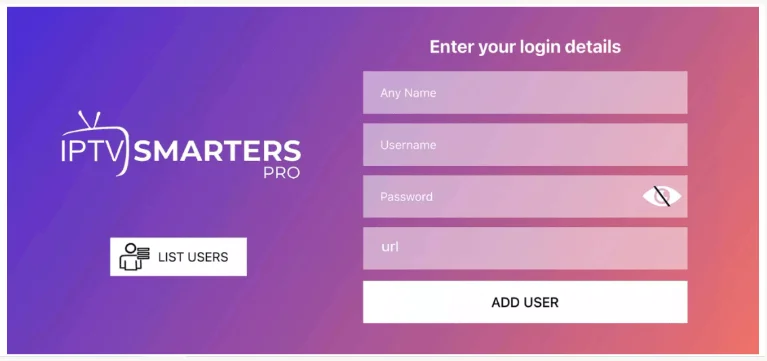
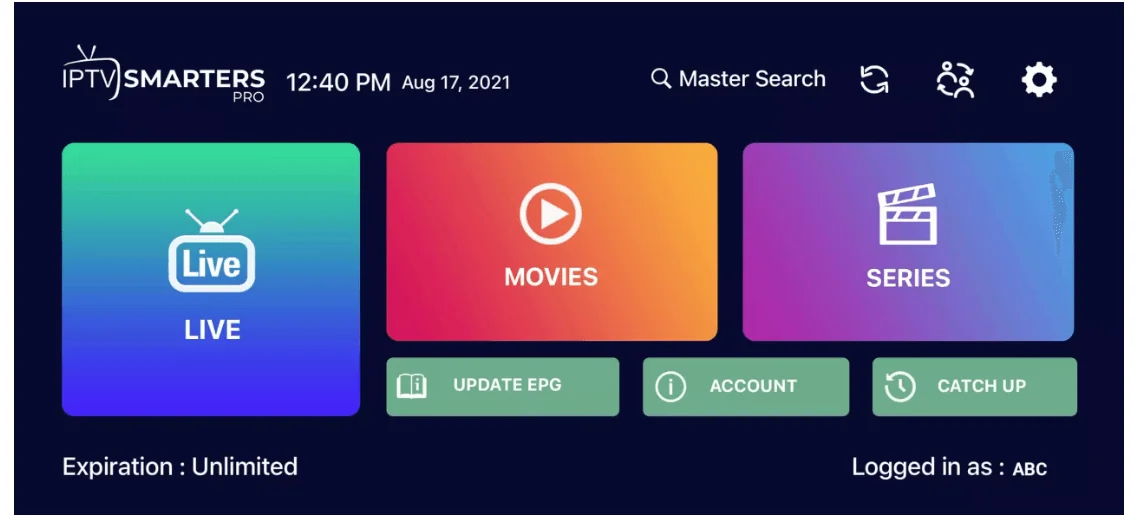
Setup IPTV On Apple / IOS With Smarters Player LiteStep 1: Start by downloading the IPTV Smarters app from the Apple Store through this URL : https://itunes.apple.com/us/app/iptv-smarters-player/id1383614816or you can search for it on the App Storestep2: install the app on your IOS device.step 3: Enter the login details that we have provided you after you get a subscription with usNow Click on “ADD USER” to proceed to the next section.Step 4: Wait some seconds.Step 5: Now click on the “Live TV” icon as depicted in the image via a red arrow.Step 6: Now you must select the channel group that you want to watch and proceed to the next section.Step 7: Now you must click on the channel name and then double-click on the small screen to turn into full screen as the final step.Step 8: To add EPG no need to add any EPG URL, Just click on “Install EPG”. Done You can also try our latest player, if you’re finding bugs you can use the smarters. It is in Beta, be the first to try and give us feedback.8K PLAYER macOS URL: http://download.best-ott.me/apk_gold/8k.PLAYER.OS-1.0.0.dmgOR if you can’t access this depending on who your ISP is in the world, try this link.https://tinyurl.com/3hkxhe53